
What is DDM? Apple’s newer device management
DDM (Declarative Device Management) is Apple’s newer way to manage devices: the device declares its state instead of only waiting for each command. On ABMDM the “Declarative Device Management (DDM)” group — device status reporting and the newer iOS-update flow — is Coming soon, not part of the service yet. This article explains what DDM is and what a shop should prepare, without promising unreleased features.
What DDM is
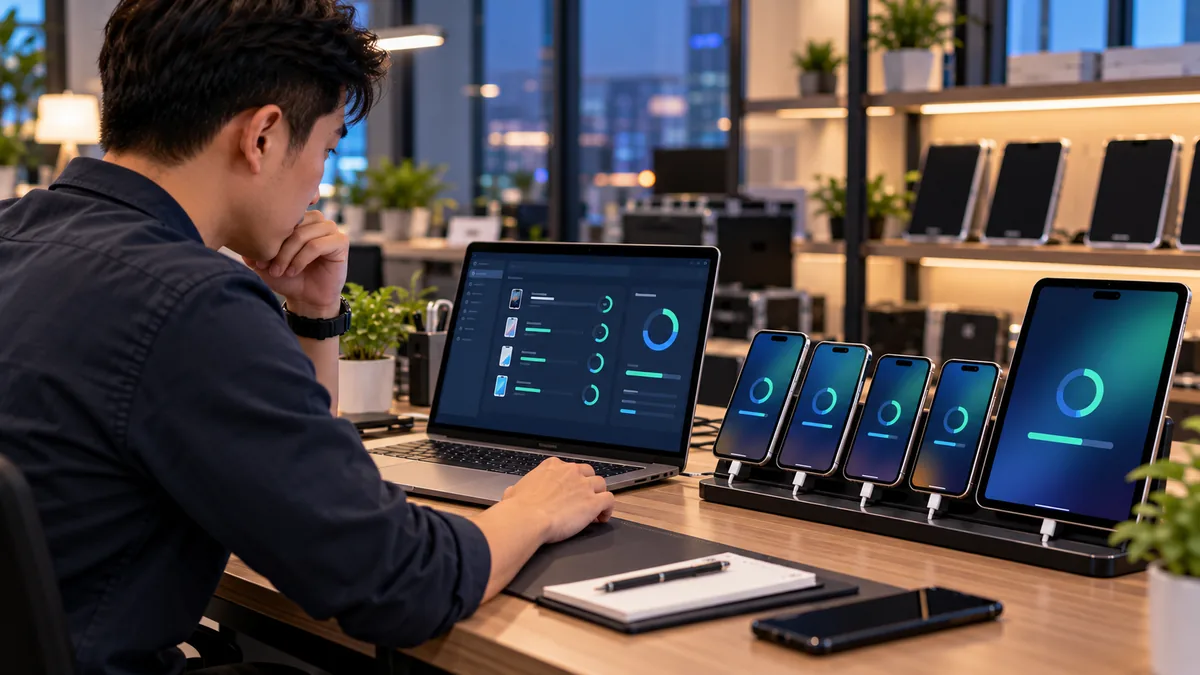
DDM (Declarative Device Management) is Apple’s name for declarative device management: the organisation states rules, and the device reports whether it matches, instead of the server asking a command for every change.
It is Apple’s direction for business device management, in the same ecosystem as MDM and Apple Business. The old name Apple Business Manager is mentioned once: from 14 April 2026 the portal is Apple Business.
On ABMDM features, the “Declarative Device Management (DDM)” group has two items, both Coming soon:
- Device status reporting
- Managing iOS updates the newer Apple way
Not in the service. This article explains the idea. It does not describe unreleased buttons or a ship date.
Shops search “ddm apple” because English docs use that phrase. Short answer: DDM is Apple’s declarative layer; on ABMDM the whole group is Coming soon; staff issue, remote lock and instalments today run on current MDM.
How DDM differs from one-by-one MDM commands
Classic MDM: the server sends a command (lock, wipe, push Wi-Fi), the device acts, and the server may have to ask again what the device looks like. A large fleet means more round trips.
DDM: the organisation declares the desired state (this Wi-Fi, this passcode, this version). The device compares, reports drift, and pulls itself back when the network allows. The server asks less often.
Both are still Apple business device management. DDM does not open messages, photos or passwords. DDM is not a lock-bypass tool. DDM does not replace Apple Business: devices still have to join the organisation first.
Forcing or deferring iOS updates on ABMDM — including the newer description — is Coming soon. Until that item ships, update the device itself with Apple’s flow.
What a shop needs today
Staff phones, instalments and counter iPads already run on current MDM: Apple Business, Supervised mode, remote lock, Wi-Fi, anti-removal. Background: what MDM is.
Do not delay a purchase waiting for DDM. Do not tell internal customers that “phones will report battery via DDM this week”.
Compare by solution group when you pick software. Do not name foreign MDM brands.
| Job | Live | Coming soon (DDM / updates) |
|---|---|---|
| Enrol, Supervise, lock | Yes | |
| Wi-Fi, anti-removal, hide apps | Yes | |
| DDM-style status reporting | Coming soon | |
| Newer iOS update flow / force-defer | Coming soon |
What to keep ready for when DDM ships
Keep Apple Business on the correct legal entity, ABMDM as the default server, devices Supervised. Command logs already exist — when DDM ships, the same role rules apply: who may see fleet state, who may change rules.
Do not use DDM (when it exists) for all-day location. Location stays sensitive under the 2025 data law. Law 91/2025/QH15 does not change because Apple renamed a protocol.
Mac, Android, single-app iPad lock, buying apps through Apple Business — those feature-page items are Coming soon or in development, separate from DDM. Do not fold them into “when DDM ships we get everything”.
DDM does not replace enrolment
Business-channel devices still get serials assigned in Apple Business. Retail devices still go through Apple Configurator on iPhone. Skip that step and no DDM, MDM or lock command will run.
When DDM ships, a shop should not have to “start over” if Apple Business matches the legal entity and ABMDM is the default server. Keep Supervised mode, anti-removal, logs and roles today. That is the base, not a Coming soon feature.
iOS updates: staff update on the device, or IT updates each unit, until ABMDM ships force/defer. Do not write a rule that “every phone moves to version X on Monday” and then blame the software while that item is still Coming soon.
Questions IT asks — and today’s answers
Will the device report battery, storage and configuration drift via DDM? Coming soon. Today, device info on the dashboard follows the live feature groups (serial, model, OS version, management status).
Conditional automations, scheduled commands, Excel import, API and webhooks: the automation group is live on the features page, separate from DDM. Do not mix the two groups in a vendor request.
Lock tiers, VietQR and VAT invoices do not wait for DDM. They run on current MDM. An instalment shop does not wait for Apple to change protocols.
Versus “free MDM on Apple’s portal”: the portal has free basic management; DDM is Apple’s technical direction; ABMDM is a paid MDM you connect. Three layers. Free Apple MDM and paid MDM says when to upgrade.
Trial 14 days, up to five devices. Call 0913 081 986 (8am–9pm) to ask whether the DDM items have shipped — do not guess from an old article.
All articles · What is MDM? Mobile device management for business · What is Apple Business? The change from April 2026 · How to register Apple Business in Vietnam
Frequently asked questions
Does ABMDM already ship DDM?
No. The “Declarative Device Management (DDM)” group on the features page is Coming soon, not in the service. Do not promise status reporting or the newer iOS-update flow before it ships.
How is DDM different from classic MDM?
Classic MDM sends each command. DDM lets the device declare its state against organisation rules. Both still sit in Apple’s device-management ecosystem.
Should a shop wait for DDM before buying MDM?
No. Enrolment in Apple Business, Supervised mode, remote lock and lock tiers already run on the current protocol.
Can ABMDM force an iOS update today?
Forcing or deferring iOS updates is Coming soon, including Apple’s newer description of that flow. Do not promise an automatic update calendar to staff before that item ships.
Does DDM let us read messages?
No. DDM does not open messages, photos or passwords. Apple’s personal-content limits still apply.
Can Macs use DDM on ABMDM yet?
Mac sits in a different platform group and is not in the service yet. DDM on ABMDM is also Coming soon. Today the product focuses on iPhone and iPad.
Want advice tailored to how you operate?
Call 0913 081 986 (8am–9pm, every day) or leave your details and we will call you back.