
Step-by-step guides with screenshots
From registering for Apple Business to connecting the API.

How to register for Apple Business
Register for Apple Business: legal-entity file, company-domain email, D-U-N-S number, submit and wait for Apple's verification call. ABMDM can file.

Connect Apple Business to ABMDM
Connect Apple Business to ABMDM: download the public key, add a management server, upload the token, set the default server. The screens may change.
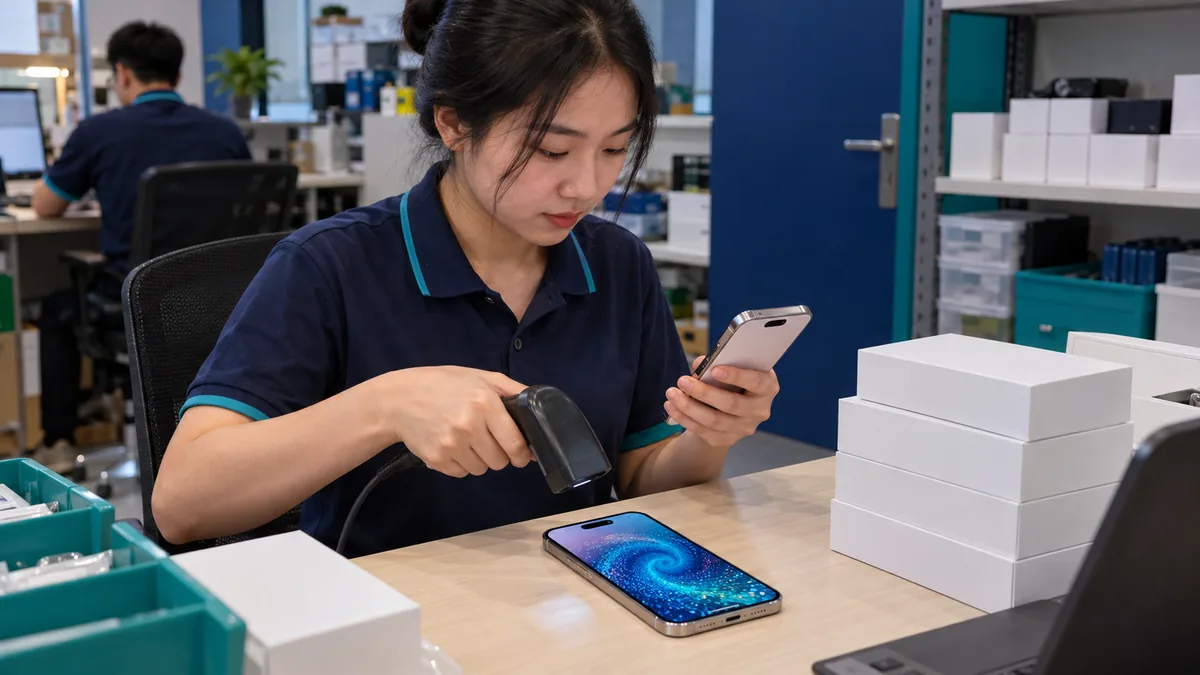
Add a retail iPhone with Configurator
Add a retail iPhone to Apple Business with Apple Configurator on iPhone: reset, scan, assign ABMDM, then power on so it receives configuration.

How to set up lock tiers
Set three lock tiers for overdue instalments: days per tier, reminder text, assign the contract, then test on one device. The screens may change.

Connect VietQR for automatic unlock
Connect VietQR to ABMDM: pick the shop receiving account, connect balance alerts, send a small test transfer, confirm the device unlocks itself.

Getting started with the API
Start with the ABMDM API: create a key, list devices, send lock and unlock, receive webhooks. The screens may change; call for a walkthrough.
Want advice tailored to how you operate?
Call 0913 081 986 (8am–9pm, every day) or leave your details and we will call you back.