
MDM-locked iPhone: how to check a used phone
An MDM-locked iPhone is still managed by a business through MDM and Apple Business. A used-phone buyer cannot remove that with a trick; paying someone to strip it is a legal risk. Before you take the device, check the setup screen, the device management settings, and look up the serial if the seller says it was once in ABMDM.
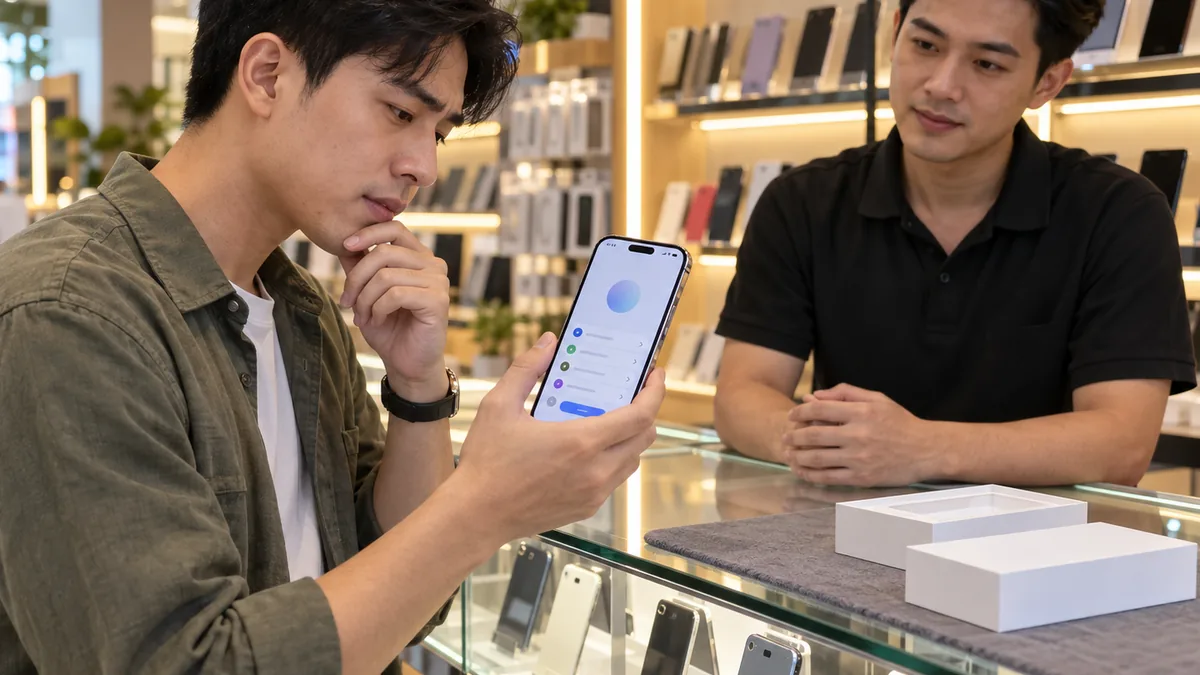
What “MDM-locked iPhone” means
Used-phone sellers often say a device is “MDM-locked” when the iPhone shows a company name during setup, or Settings has a Device Management entry. That means the device still belongs to an organisation on Apple Business and is still managed by MDM.
The phone is not “broken software”. The owning organisation can still send commands, and a factory reset still enrols it again. Paying a retail seller does not make you the organisation that manages the device.
MDM is not an Apple Account lock. Activation Lock asks for the Apple Account password. Both layers can be present at once. See Activation Lock on company iPhones if the screen asks for an Apple Account. The shared background is in What is MDM?.
Check the device before you take it
You do not need a third-party app. Do this on the iPhone itself — it takes about a minute, the same steps as on the device lookup page.
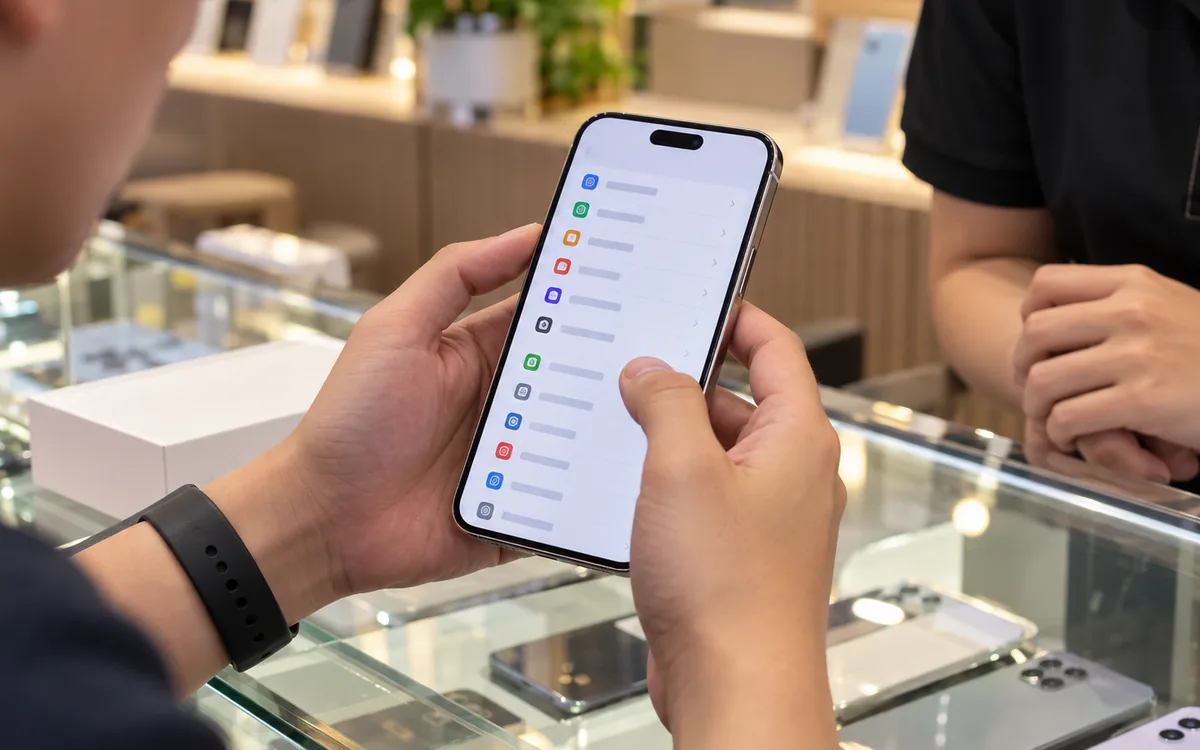
- If setup is not finished: look at the screen. Remote Management text, a company name, or an organisation phone number means stop.
- If you can open the phone: Settings › General › VPN & Device Management. A “Device Management” item with an organisation name means the device is managed.
- Ask for the sales paperwork. An instalment device that is not paid off still belongs to the seller.
If you see an organisation name, do not take the phone, and do not hand it to someone to “flash”. Call the number on the screen if you want to deal with the owner.
| Sign | Meaning | What to do |
|---|---|---|
| Setup shows a company name | The device belongs to an organisation | Do not take it |
| Device Management is present | MDM is on | Ask the organisation or walk away |
| Asks for an Apple Account password | Activation Lock | Do not pay anyone to bypass it |
| Unpaid instalment paperwork | Title still sits with the seller | Do not buy it second-hand |
MDM, Activation Lock and Find My — three different things
Sellers often bundle them into one phrase. They are not the same.
MDM: organisation management. You see a company name and Device Management. A reset does not take the device out of Apple Business.
Activation Lock: the device asks for the Apple Account that was attached. Without that account, you cannot set it up as a new owner.
Find My: a personal locating feature on an Apple Account. It is not a shop MDM console.
A used phone can show one, two, or all three. Check each on the device. This article does not explain how to strip any of them.
Look up a serial on ABMDM
A buyer with a serial or IMEI can look it up on ABMDM. A hit only means a shop using ABMDM is managing that device. A miss does not mean the phone is clean: Apple does not allow lookups of other organisations' devices.
If the result is “managed”: call the shop number on the result before you buy. If it is not in the system: still check the device itself.
Shops that use ABMDM should tell instalment customers: after payoff, the device is removed from management in the proper flow, so the next buyer does not see a company setup screen.
What you must not do
Do not follow guides to strip MDM, bypass management, or break Activation Lock. Paying a service to “fix MDM” or “open iCloud” on a device that is not yours is a legal risk.
Do not install unknown files. Do not leave the phone with a stranger. Do not trust “it only shows a label, a flash will clear it”.
The lawful path: do not buy a managed device; or take it only after the owning organisation has removed it from Apple Business and you have confirmed that on the device itself.
Shops selling used phones or settling instalments
Before you sell a device that was once in the system: settle the contract, remove management, and check the device — no Device Management item, no organisation screen at setup. Hand over the paperwork with the phone.
When a staff member leaves: reclaim the device, wipe company data if needed, and drop their access. Do not let a company phone drift onto the street market.
The trial is 14 days if the shop is issuing devices or selling on instalments. Call 0913 081 986 (8am–9pm).
All articles · What is MDM? Mobile device management for business · What is Apple Business? The change from April 2026 · How to register Apple Business in Vietnam
Frequently asked questions
Is an MDM-locked iPhone the same as an iCloud lock?
Not necessarily. MDM is company management. Activation Lock is a lock tied to an Apple Account. A device can have one or both. Check both on the device before you buy.
If ABMDM lookup does not find the device, is it safe to buy?
Not yet. Lookup only sees devices in the ABMDM system. A device belonging to another organisation can still be managed. Always check on the device itself.
Will the shop strip MDM from a phone I already bought?
No. Unlawful removal of MDM is a legal risk. If the device is still managed, contact the organisation on the setup screen, or do not buy it.
How do I know an instalment phone is not paid off?
Ask for the sales paperwork. An instalment device that is not paid off still belongs to the seller. A shop name or organisation number on the setup screen is a reason to stop.
Does a factory reset remove MDM?
If the device is still in Apple Business, it returns to the organisation after a reset. That is anti-removal by design, not a fault.
Want advice tailored to how you operate?
Call 0913 081 986 (8am–9pm, every day) or leave your details and we will call you back.