
Activation Lock on company iPhones
Activation Lock is Apple's activation lock: the phone asks for the Apple Account that was attached before it will set up again. For a company iPhone already in ABMDM, an authorised person can retrieve an iCloud unlock code from the console when reclaiming the device. A used phone locked to someone else's account has no such code — do not buy it, and do not pay anyone to bypass the lock.
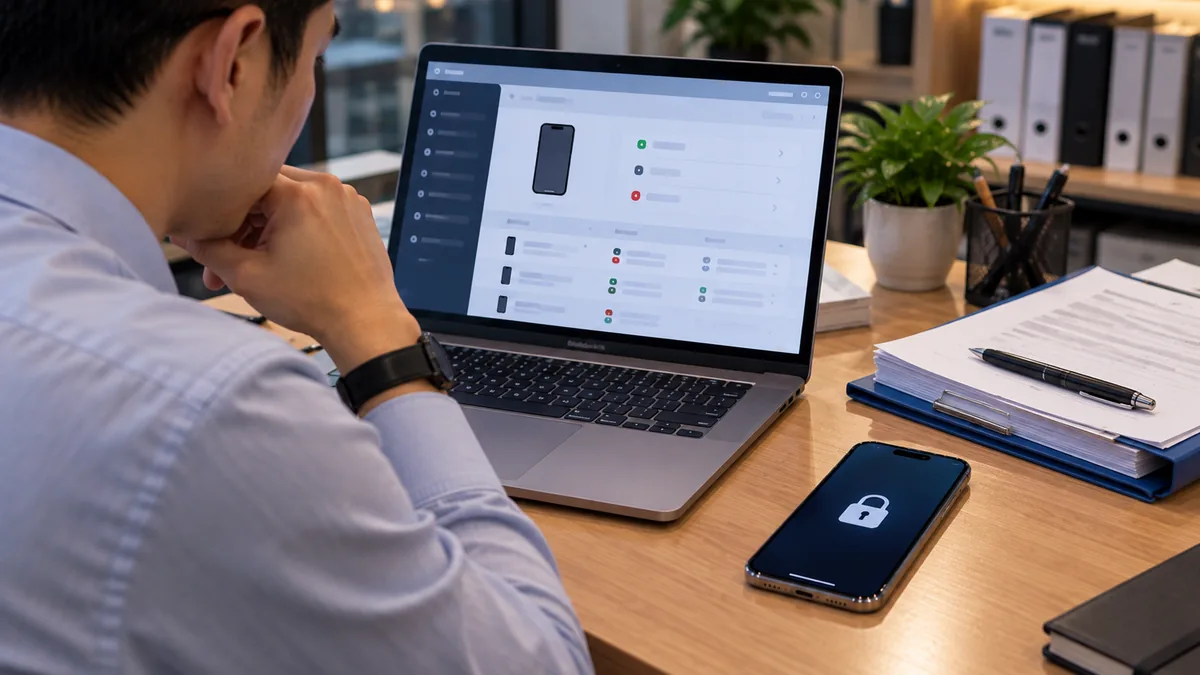
Activation Lock is a lock tied to an Apple Account
When an iPhone turns on Find My / attaches an Apple Account, erasing or setting it up again asks for that same account. That is Apple's Activation Lock. It is anti-theft. It is not a way for a shop to open someone else's phone.
On a company device, the account attached to the phone must be an organisation account the company can manage. A staff member attaching a personal iCloud and then leaving is a common reclaim case. ABMDM has “Retrieve the Activation Lock bypass code when recovering a device” on features — only for devices in your system.
Do not confuse it with MDM. An MDM-locked phone shows an organisation name and Device Management. An Activation Lock screen asks for an Apple password. Both can be on at once. For used phones, see MDM-locked iPhone.
Company devices: reclaim in the proper flow
The device belongs to the business, is in Apple Business and ABMDM, and is Supervised. When a staff member leaves, or an instalment customer pays off / is overdue and you need the hardware back, an authorised person uses the console.
Reclaim when you have the device in hand: remove the account, wipe company data if needed, and confirm the organisation lock screen is gone before it goes into stock or a clearance sale.
Reclaim when the device is lost or you cannot get the hardware: lock, Lost Mode if you need location (log it, follow the sensitive-data rules), wipe if you are sure it will not come back. Retrieve the iCloud unlock code with the MDM command when the device belongs to the organisation — so the company can set up its own hardware again, not so anyone can open a street-market phone.
Blocking Apple Account changes on a supervised device cuts down on staff attaching a personal iCloud. See Supervised mode.
| Situation | Lawful handling | Do not |
|---|---|---|
| Company device in ABMDM, reclaim | MDM command, iCloud unlock code, log | Hand it to an unknown “open iCloud” service |
| Instalment paid off | Remove management, drop the organisation lock, check on the device | Hand over a phone that still asks for the shop account |
| Used phone on the market, asks for an Apple Account | Do not buy; return it to the seller | Bypass the lock, buy a code, install unknown files |
The unlock code is not the user's Apple password
The MDM command gives the organisation a bypass code for a device it already manages. It is not the staff member's personal Apple Account password, and it is not a master key for phones on the used market.
Share the code only with the person doing the reclaim. Do not paste it into a group chat. After use, put the device back through the company setup flow.
If the console has no code, the serial is not in your organisation. Stop. That is the used-phone case below, not a company reclaim.
Used phones on the market
A setup screen that asks for an Apple email, or shows “This iPhone is linked to an Apple Account”, is the previous owner's Activation Lock. Without that password you are not the owner.
This article does not explain, and we will not walk you through, how to bypass that lock. It is a legal risk. The right path: do not take the phone; ask the seller to remove the lock with their own account on the device; then check again.
An ABMDM serial lookup only tells you whether the device is in the ABMDM system. It cannot open another organisation's Activation Lock.
Law and logs
Handle locks only on devices the business owns or has written consent for. Location when you search for a lost device is sensitive data (Law 91/2025/QH15, Decree 356/2025/ND-CP); log every view. Security states what is collected.
The person who retrieves the code must have permission. Do not share the code in a group chat. After it is used, the device goes back through the company process.
Before you hand a device to staff or a customer
Enrol it, supervise it, and block Apple Account changes in configuration. The handover record: the device belongs to the company / to the instalment contract until it is paid. When you take it back: check Activation Lock and MDM on the device itself before it goes into stock.
The trial is 14 days, up to five devices. Call 0913 081 986 (8am–9pm) when you reclaim the first batch.
All articles · What is MDM? Mobile device management for business · What is Apple Business? The change from April 2026 · How to register Apple Business in Vietnam
Frequently asked questions
How is Activation Lock different from MDM?
Activation Lock ties the device to an Apple Account. MDM is organisation management. A company phone can have both. ABMDM retrieves an iCloud unlock code when reclaiming a device that is in your system; it does not unlock a phone locked to a stranger's account.
A staff member left and the phone asks for iCloud. What now?
For a company device already in ABMDM, an authorised person sends the retrieve-iCloud-unlock-code command from the console, then reclaims the device. The log records who retrieved the code.
I bought a used phone that asks for an Apple password. Will ABMDM open it?
No. There is no code for a device that is not in your organisation. Do not buy it, and do not pay anyone to bypass the lock. Check the device before you take it.
Can staff turn off Find My on a company phone?
Company configuration on a supervised device can block Apple Account changes. Staff cannot switch the lock off on a company phone by themselves. That is so you can reclaim the device, not so you can read photos.
After an instalment is paid off, should the shop's Activation Lock remain?
Remove management and the organisation lock before you hand over a settled device. Leaving a paid-off phone asking for the shop account is wrong for the next buyer.
Want advice tailored to how you operate?
Call 0913 081 986 (8am–9pm, every day) or leave your details and we will call you back.