
Leasing iPhones and iPads to a business
Leasing iPhones and iPads to a business means handing over devices the lessor owns for a contract term, then taking them back when it ends. MDM enrols the devices, locks them remotely if lost or overdue, and wipes company data when needed. Unlike instalments, the customer does not become the owner by finishing the payments. Manage only devices you own or have written consent for.
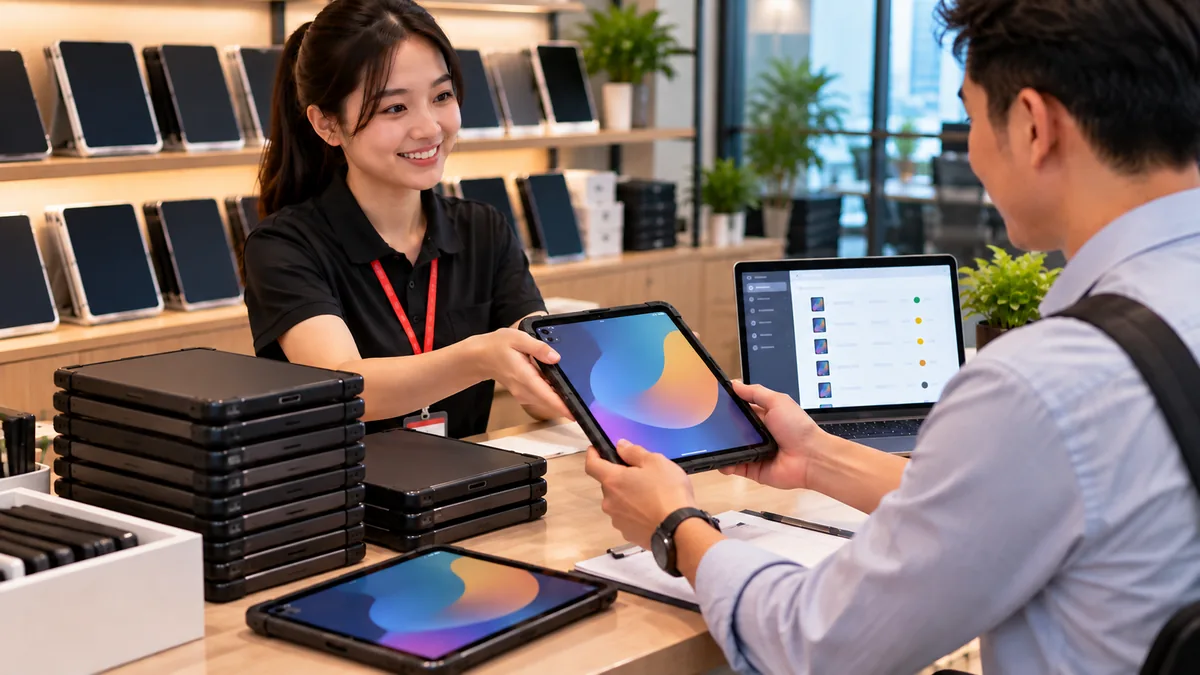
A lease hands over your hardware, then you take it back
Leasing iPhones and iPads to a business means the lessor keeps title, the customer uses the devices for a term, and you reclaim them when the term ends or the contract is breached. MDM is the command channel on devices you own, not a way to watch the customer's staff.
The flow is close to device financing: hand over an enrolled device, remind 7am–9pm, apply tiered locks if lease payments are overdue, unlock when they pay.
Unlike instalments, finishing the lease payments does not make the customer the owner. Do not remove management just because one payment period ended if the lease is still in force. Remove management when you sell the hardware. Sale model: iPhone instalments with MDM.
Enrol leased devices
Business-channel units: assign ABMDM, power on, receive configuration, Supervised. Retail units: Configurator on iPhone. Features states both paths.
Before handover: block removal of management, block erase, Wi-Fi/VPN if the contract requires it, rename by contract code, wallpaper with a contact number. Supervised: Supervised mode on iPhone.
The handover record: serial, term, the device belongs to the lessor, a reset does not take it out of the system.
| Situation | What to do |
|---|---|
| Hand over a leased device | Already in MDM, Supervised, serial on the record |
| Term ended, device returned | Wipe if needed; check management is gone before stock if you will sell it |
| Term ended, device not returned | Lock, reclaim message; location only when needed, with a log |
| Device lost | Lock, Lost Mode, wipe if you are sure it will not come back |
Law when you lease
Only devices the leasing business owns. Do not add a customer's employee's iPhone “for convenience”.
Location is sensitive (Law 91/2025/QH15, Decree 356/2025/ND-CP): Lost Mode or an overdue contract only, with a log.
Lease-payment reminders 7am–9pm, named party only.
Do not read messages, photos or passwords on a device currently on lease.
A lease inventory
Record serial, IMEI, contract code, handover date, end date, who added the device. The ABMDM console shows serial, model and last contact — match that to the paperwork; it does not replace the paper contract.
Devices that rotate: do not hand the next lease over before you have wiped the previous session and checked the setup screen. If the phone asks for the previous customer's Apple Account, handle it on a device you own; do not pay anyone to bypass the lock.
Reclaim and lease it again
When you have the hardware: wipe the previous session's data, check organisation Activation Lock, push configuration, hand to the next customer.
When you cannot get the hardware: remote lock; do not pay a service to bypass a lock. A used phone asking for someone else's Apple Account is not yours to “open”.
Trial 14 days, up to five devices. Call 0913 081 986 (8am–9pm) for the first lease batch.
All articles · What is MDM? Mobile device management for business · What is Apple Business? The change from April 2026 · How to register Apple Business in Vietnam
Frequently asked questions
How is leasing different from instalments?
On instalments the customer becomes the owner when they pay in full. On a lease the device stays the lessor's for the whole term and is reclaimed when it ends. Both only manage devices you own.
If we lease iPads to another company, do we need a contract?
Yes, a lease contract. The devices belong to the lessor, so they go into the lessor's MDM. Do not enrol the customer's own phones into your system.
The lease ended and they have not returned the device. What now?
Remote lock, with a reclaim contact number. Lost Mode if you need location (log it, follow the sensitive-data rules). Do not bypass a lock on a device that is not yours.
Do we wipe the customer's data on a leased device?
When you reclaim it, wipe company data if you need to protect the previous lease, then push configuration for the next one. Do not read messages or photos.
Can a retail-bought lease device join the system?
Yes — add it with Apple Configurator on iPhone, then assign ABMDM. Business-channel devices enrol at power-on.
Want advice tailored to how you operate?
Call 0913 081 986 (8am–9pm, every day) or leave your details and we will call you back.