
Reclaim an iPhone when staff leave
Reclaiming an iPhone when a staff member leaves means taking back a company-owned device: if you have it, wipe company data and check the organisation lock is gone; if you do not, remote-lock it, use Lost Mode for location when needed (and log it), and retrieve the iCloud unlock code when the device is in ABMDM. Do not pay anyone to bypass someone else’s lock. A home phone is outside this flow without written consent.
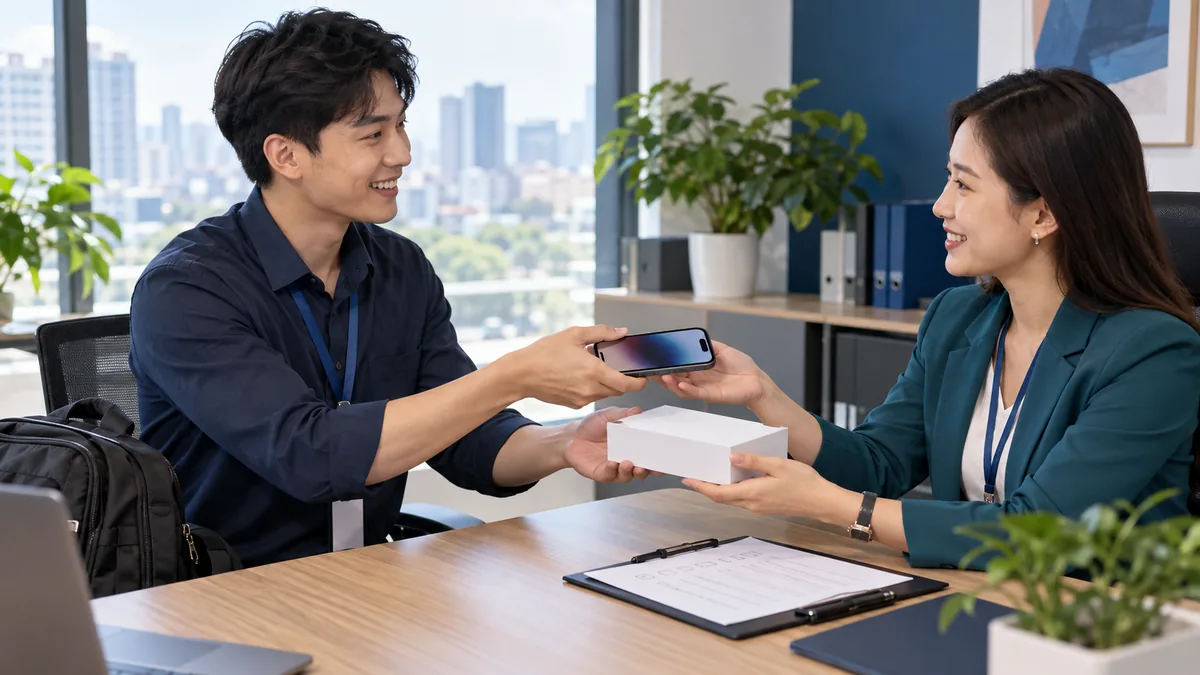
Reclaiming means taking the company phone back
When someone leaves, the issued iPhone still belongs to the business. The standard path: if the phone is in hand, check it and wipe company data; if it is not, use remote commands on a device already in ABMDM. Do not read messages to “see what they hid”.
Privacy background: staff phone management. Lock commands: remote lock iPhone. Unlock codes: Activation Lock on company iPhones.
Only company phones or phones with written consent. Home phones stay at home. Law 91/2025/QH15: location is sensitive; view it only in Lost Mode, and log every access.
Prepare on the handover day, not the last day. The handover record lists serial, date, recipient and the duty to return the phone when the labour contract ends. The phone should already be in Apple Business, assigned to ABMDM, Supervised, with removal blocked — that is when reclaim still has commands.
When the phone is in hand
- Take the phone, charge it, match the serial to the handover record.
- Someone with the right role: remove the organisation account / fetch the iCloud unlock code if the phone asks for company Activation Lock.
- Wipe if you need a clean work session.
- Check the device itself: no device-management payload before it goes to stock or to the next person.
- Remove the person’s access in the dashboard, and revoke a company-issued Apple account if you issued one.
- Write a reclaim record: date, condition, who handed it over.
Do not give a dirty phone to the next person. Do not take it to a stranger “iCloud unlock” shop. This article does not explain how to strip MDM or Activation Lock.
When you cannot get the phone
Remote-lock with a reclaim phone number on the screen. Lost Mode: locate and play a sound — location is sensitive, log every view. Wipe when you will not recover the hardware and must protect company data.
Do not guess a personal Apple Account password. Do not hire a third party to bypass the lock. Do not watch location all day “until they bring it in”.
Ask for the phone back from 7am to 9pm, to the right person. Do not call relatives who are not on the contract.
| Situation | Do | Do not |
|---|---|---|
| Phone on the desk | Organisation iCloud code, wipe, check | Hand it straight to the next person |
| Lost / not returned | Lock, Lost Mode, log | All-day location |
| Home phone | Not a company reclaim | Lock, wipe, Supervise |
Before the next person receives the phone
Enrol it, Supervise it, block removal. New handover record. Push company Wi-Fi if needed. Silent app install through Apple Business is still Coming soon — do not promise a full app set before that item ships.
Someone buying your used company phones can look up the serial on ABMDM. Remove management before you sell.
Build reclaim into the handover day
Reclaim fails most often because handover had no paper. No serial on the record means you cannot match the device. No enrolment in ABMDM means no remote command. No Supervised mode means the person can remove management before they leave.
On handover day: the phone is already in the system, you test lock then unlock, you record the serial, the recipient signs. House rule: a company phone is for work, not an asset that leaves when the job ends. Home phones are outside this process.
A planned last day: take the phone at the exit meeting, wipe, check, return to stock. An unannounced leave: lock, Lost Mode if you need location (logged), contact between 7am and 9pm. Do not post a location screenshot in a company group.
Company data on the phone
MDM cannot read messages or photos. Work files should live in company email and company storage, not only on a personal camera roll. Reclaim is taking the hardware and wiping the work session, not an audit of private life.
A company-issued Apple account: revoke it in Apple Business. A personal account the employee added to a company phone: that is why company phones should be Supervised and limited — see the Activation Lock article, not a reason to bypass a lock.
The personal-device QR flow is Coming soon. Do not use “reclaim” as a reason to enrol a home phone after someone has left.
Staff phone management is the day-to-day legal frame. This article is the end of the contract. Read both: one is the box, the other is the steps.
Trial 14 days. Call 0913 081 986 (8am–9pm) for the first reclaim batch or when a phone asks for company iCloud lock.
All articles · What is MDM? Mobile device management for business · What is Apple Business? The change from April 2026 · How to register Apple Business in Vietnam
Frequently asked questions
A staff member left and took the company iPhone home. What now?
If the company phone is in ABMDM, remote-lock it with a reclaim phone number. Use Lost Mode if you need location, and log the view. Do not ask anyone to bypass the lock.
The phone asks for a personal iCloud password.
For a device in the system, someone with the right role can fetch the iCloud unlock code when reclaiming. Do not unlock a phone tied to a stranger’s account.
Can we wipe before we see the person?
Wipe when you will not recover the hardware and must protect company data. A wipe does not replace a handover record.
Does this process apply to a staff member’s home phone?
No, unless you already have written consent and the phone is in the system. A home phone does not become a company phone by itself.
Can we hand the phone to the next person immediately after reclaim?
Wipe the previous session, confirm the organisation screen and Activation Lock are gone, push configuration again, then hand it over.
Will public serial lookup show a staff phone?
Lookup on this site only shows devices already in ABMDM. It helps used-phone buyers check; it does not replace an internal handover record.
Want advice tailored to how you operate?
Call 0913 081 986 (8am–9pm, every day) or leave your details and we will call you back.