
Push Wi-Fi and apps to company iPhones
Pushing Wi-Fi, VPN, certificates and a required passcode to company iPhones is live configuration on ABMDM; supervised devices receive it together. Buying app licences through Apple Business and silent install is still Coming soon — not in the service yet. Hiding or blocking individual apps is live. This article splits what ships today from what does not, and does not promise bulk app install before it is released.
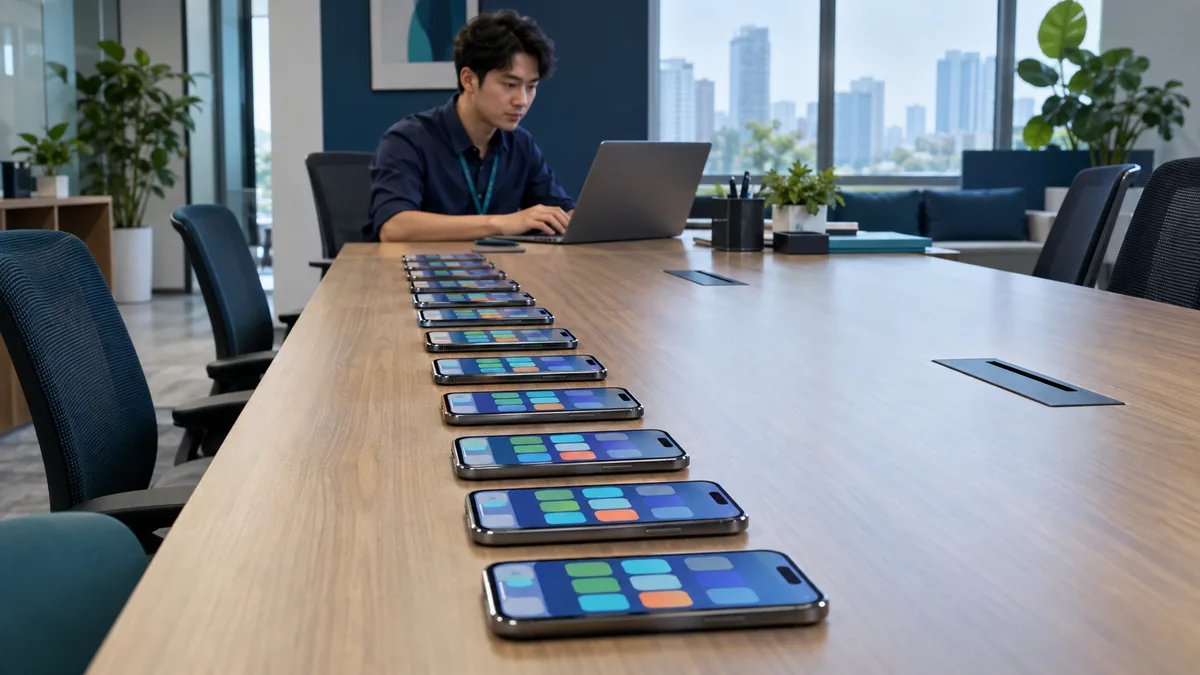
Bulk means the same configuration, not every item already shipping
Pushing Wi-Fi, VPN, certificates and a required passcode to company iPhones is live: Supervised devices receive configuration from ABMDM. Features lists that group.
Buying app licences through Apple Business, silent install, pre-configuring apps and remote uninstall are Coming soon. This article does not describe an app-catalogue button. Hiding or blocking individual apps is live — that is not the same as installing a new app.
Supervised background: Supervised iPhone. Retail units: Apple Configurator.
Search queries like “bulk install iPhone apps” often expect silent app catalogues. On ABMDM that part has not shipped. What you can do today is the same company Wi-Fi, the same passcode policy, and the same hidden non-work apps — across every device already in the system.
What you can do today
- Devices in Apple Business, assigned to ABMDM, Supervised.
- Push company Wi-Fi, VPN, certificates and passcode policy.
- Hide or block apps that are not for work.
- Block AirDrop, camera, screenshots or computer pairing if the counter or security needs it.
- Test one device, then apply the profile to the branch.
Retail devices receive configuration only after you add them. Without Supervised mode, many restrictions will not hold.
| Need | Live | Coming soon |
|---|---|---|
| Wi-Fi, VPN, certificates, passcode | Yes | |
| Hide / block apps | Yes | |
| Buy apps + silent install | Coming soon | |
| Single-app lock (kiosk) | Coming soon | |
| Home-screen layout, web filter | Coming soon |
What not to promise
Do not tell staff that “next week every phone will have the accounting app silently” before the Coming soon item ships. Do not sideload unknown files outside Apple’s flow. Do not push configuration onto a home phone.
DDM and the newer iOS-update flow are also Coming soon — separate from Wi-Fi. Do not fold them into one tap.
Only devices the business owns or has written consent for. Law 91/2025/QH15 does not let “install company apps” become a reason to read personal content — and Apple’s protocol does not allow that read anyway.
Adding retail phones: add a retail iPhone with Configurator.
Company Wi-Fi — the job before an app catalogue
One SSID for the shop; do not write the password on a wall customers can see. Pushing a Wi-Fi profile to Supervised devices means staff do not ask for the password after every reset. VPN and certificates for people who must reach accounting from outside the shop sit in the same live configuration group.
A required passcode: length and auto-lock that the shop can live with. A sales team that holds the phone all day still needs a passcode; do not turn it off “to go faster”.
Hide entertainment apps on counter devices. Single-app iPad lock (kiosk) is Coming soon — today use hide/block and Supervised mode, and do not promise “the phone will show only one icon”.
When app purchase ships
Prepare the work-app list: sales, accounting, attendance — apps the company needs, not apps a staff member likes. Licences through Apple Business, not the owner’s personal Apple Account used as a “family share” for the whole team.
Until Coming soon becomes live, install the few apps you truly need by hand on a test device, write the list, then repeat. Do not sideload files outside Apple’s flow.
Instalment phones handed to customers: push only the configuration the shop needs to lock and unlock, not personal apps. Staff phones: work configuration. Two different profiles.
Until Apple Business is connected to ABMDM, there is no bulk anything.
Trial 14 days. Call 0913 081 986 (8am–9pm) for the first Wi-Fi push, or to ask whether app purchase has shipped.
All articles · What is MDM? Mobile device management for business · What is Apple Business? The change from April 2026 · How to register Apple Business in Vietnam
Frequently asked questions
Can ABMDM silently install apps in bulk yet?
No. Buying app licences through Apple Business and silent install, pre-configuring apps and remote uninstall are Coming soon. Do not promise an app catalogue before those items ship.
Can we push Wi-Fi to the whole fleet?
Yes, on Supervised devices. Wi-Fi, VPN, certificates and a required passcode are live configuration.
Can we hide apps that are not for work?
Yes. Hiding or blocking individual apps is live. Locking an iPad to one app is Coming soon.
Do retail-bought phones receive bulk Wi-Fi?
After you add them with Configurator on iPhone and assign ABMDM, Supervised devices receive the same configuration as business-channel units.
Can we push apps onto a staff member’s home phone?
Only company phones or phones with written consent. Do not push apps onto a home phone.
Is web filtering on company iPhones live?
Web filtering, home-screen layout and single-app iPad lock are Coming soon. Hiding or blocking apps is live.
Want advice tailored to how you operate?
Call 0913 081 986 (8am–9pm, every day) or leave your details and we will call you back.