
Tiered locks when an instalment is overdue
Tiered locks restrict an instalment iPhone step by step when a contract is overdue, on the number of days the shop sets. Tier one shows a reminder and blocks some entertainment apps. Tier two restricts more apps; calls still work. Tier three locks to the payment screen and emergency calls. Reminders 7am–9pm; unlock when the customer pays. Do not jump to a wipe over a few late days.
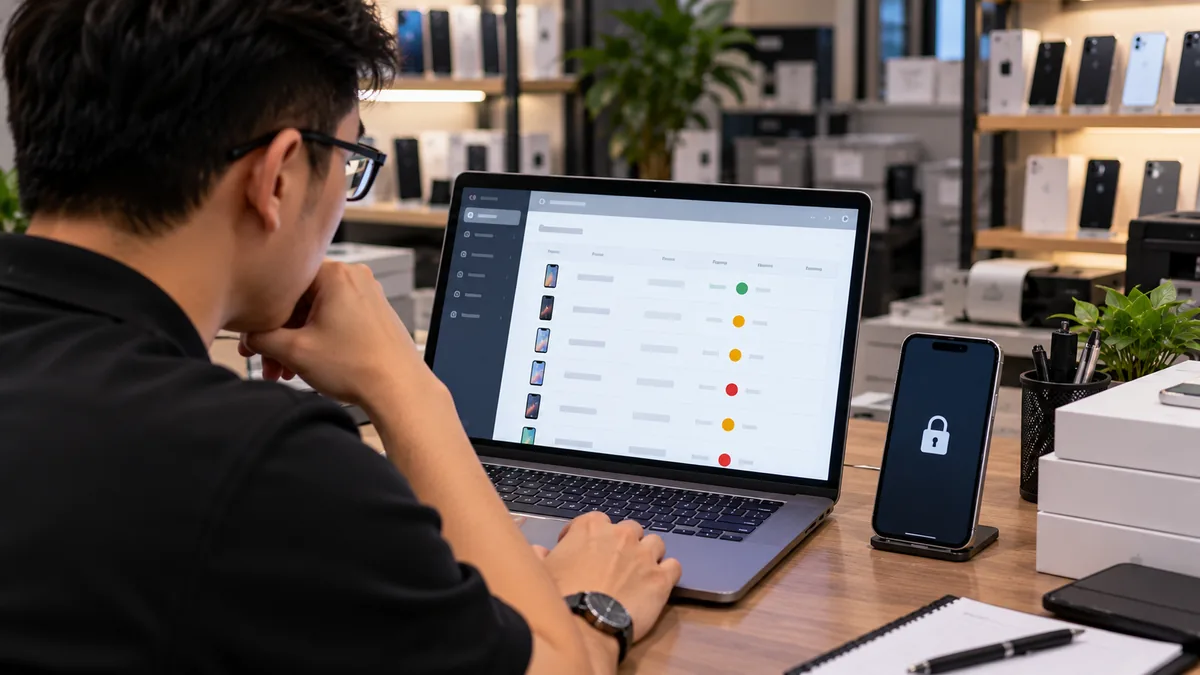
Tiered locks restrict step by step, not a dead end
When an instalment customer is overdue, the shop should not jump to a wipe. ABMDM restricts the device by the number of days you set; the customer can still call and always has a way to pay on the screen — as device financing describes.
The three tiers on the site:
- A persistent reminder is shown and some entertainment apps are blocked.
- More apps are restricted; calls can still be made and received.
- The device is locked to the payment screen and emergency calls.
The lock-screen reminder includes days overdue, the amount due, the shop phone number and a VietQR code. Do not write threats, and do not show another person's data.
Title and Article 453 are in iPhone instalments with MDM.
Set the days and the reminder
Step-by-step: Set up lock tiers. You:
- Open device financing.
- Set overdue days for tiers 1, 2 and 3.
- Write the reminder with the shop phone number.
- Apply the rule to the contract and test on one device.
Do not copy a reminder from another shop that shows a stranger's number. In a multi-branch shop, attach the device to the right branch; the number on the screen is the shop where the customer signed.
Unlock when the customer pays
Connect VietQR: the customer transfers, the device unlocks itself. Guide: Connect VietQR for automatic unlock. Until that is connected, an authorised person unlocks by hand on the console and the log records it.
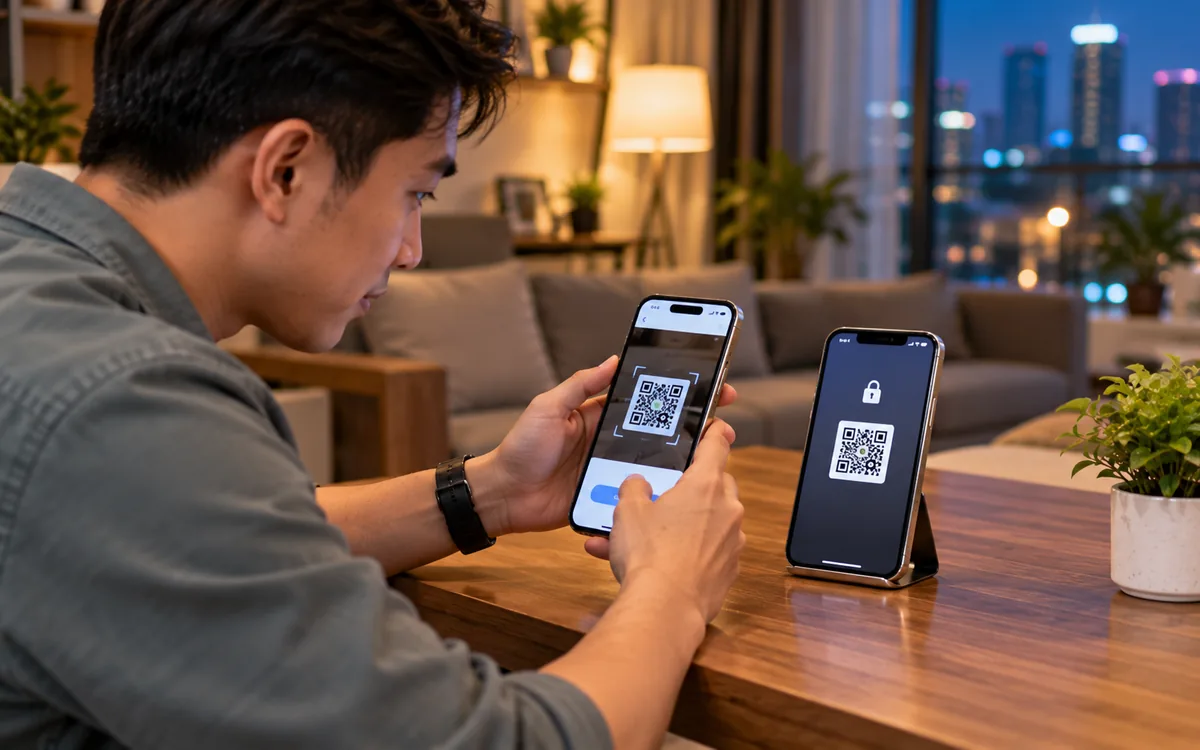
Payoff: the device leaves management. Check it on the device before you treat it as settled.
| Tier | What the device does | What the customer does |
|---|---|---|
| 1 | Reminder, some entertainment apps blocked | Pay on time or call the shop |
| 2 | More apps restricted, calls still work | Pay by VietQR or come to the counter |
| 3 | Payment screen, emergency calls | Pay, then the device unlocks |
Law when you press lock
Only a device not yet paid off, on the contract. Do not lock a relative's phone, and do not lock outside 7am–9pm.
Location when overdue is sensitive data: view it when needed, with a log. Do not track the customer every hour.
Lock rights sit on authorised accounts, not every salesperson. When a customer complains, the log is evidence of the right hour on the right device.
The lock-screen reminder
Keep it short: shop name, days overdue, amount due, phone number, VietQR instructions. The customer is holding the shop's device; they are not being “app-punished”.
Do not show another person's name or another contract number. Test on one device before you apply the rule to the book.
A SIM-change alert does not by itself jump to tier three. An authorised person reads the log, then chooses the tier, in the legal hours.
What not to do
Do not wipe a phone over a few late days. Do not teach anyone to bypass the lock. Do not leave a paid-off phone on tier three.
Trial 14 days, up to five devices. Call 0913 081 986 (8am–9pm) when you set tiers the first time.
All articles · What is MDM? Mobile device management for business · What is Apple Business? The change from April 2026 · How to register Apple Business in Vietnam
Frequently asked questions
How do the three lock tiers differ?
Tier one shows a reminder and blocks some entertainment apps. Tier two restricts more apps; calls still work. Tier three locks to the payment screen and emergency calls. The shop sets the days for each tier.
Can the customer still call when the device is locked?
Yes. The design is not a dead end. The customer can always get in touch and always has a way to pay on the screen.
After a VietQR transfer, when does the device unlock?
When balance notifications are connected, it unlocks after the transfer. Test a small amount before you apply the rule in bulk.
Can we apply a tier outside 7am–9pm?
Reminders and overdue locks only from 7am to 9pm, and only to the person named on the contract. Do not send them after hours.
Can we wipe the phone after two late days?
You should not. A wipe is a different command, used when you are sure the hardware will not come back. Overdue instalments follow the tiers and unlock when the customer pays.
Want advice tailored to how you operate?
Call 0913 081 986 (8am–9pm, every day) or leave your details and we will call you back.